Built to Survive: Devices You Can Trust in the Field


Today we dive into rugged and repairable choices: durable laptop and phone options for construction sites and outdoor research, focusing on gear that resists drops, dust, water, and temperature extremes while remaining serviceable when something inevitably breaks. Expect practical guidance, grounded stories from job sites and field stations, and clear checklists you can use to select equipment that lasts, keeps crews productive, and respects tight timelines and budgets in unforgiving environments.

Drop, Shock, and Vibration Trials

Look for evidence of repeated drops onto plywood over concrete, not just a single gentle tumble, because rigs bounce in trucks and slam on scaffolds. Vibration testing that simulates long drives on rough roads matters for connectors, solders, and hinges. Ask vendors for test reports or at least procedures, and verify whether protective bumpers are included. In real use, crew habits and vehicle mounts amplify stress, making real drop and shock discipline non-negotiable.

Ingress and Sealing, Explained Simply

Ingress Protection ratings like IP65 or IP68 indicate resistance to dust and water, but the difference between high-pressure jets and submersion is crucial for select tasks. Dust is the quiet killer, grinding ports and fans until failures appear at the worst time. Look for sealed ports, replaceable gaskets, and covers that latch firmly even with gloves. Remember that seals age; maintenance routines and periodic inspections keep those ratings meaningful beyond the first season of hard work.

Heat, Cold, Altitude, and Dust Dynamics

Thermal stress shrinks and expands materials, loosening fasteners and weakening adhesives, while altitude thins air and reduces cooling efficiency. Cold drains batteries and stiffens touchscreens. Dust infiltrates tiny tolerances, acting like abrasive paste. Consider fanless designs, daylight-readable displays with heat management, and batteries rated for wide temperature ranges. Field anecdotes repeatedly confirm that over-specced thermal margins prevent mysterious midday throttling that stalls crews. A realistic operating envelope beats flashy peak numbers every time.

Repairability That Saves Schedules and Budgets

Longevity isn’t only about toughness; it’s about how quickly a field technician can swap a battery, screen, port door, or keyboard when miles from a depot. Modular parts, clear documentation, and standard fasteners can turn disasters into short delays. Think total lifecycle: parts availability, reasonable prices, and simple tools matter as much as speed. When a hinge cracks or a port corrodes, being able to restore service the same day keeps projects on track and safe.

Choosing Laptops for Construction Sites and Harsh Research Stations

Field laptops must balance sunlight readability, glove use, thermal resilience, and strong wireless connectivity with enough performance for CAD, GIS, modeling, or data cleaning. Rugged families from established vendors exist, but screen coatings, hinge strength, and port covers vary widely. Consider 12–14 inch displays for portability on scaffolds, and look for spill-resistant keyboards with drain channels. Dedicated docks for vehicles, plus legacy ports for instruments, reduce fragile dongle chains. Evaluate warranties that explicitly cover field conditions and rapid turnarounds.

Displays You Can Read at Noon, Not Just at a Desk

High nits are only part of the story; anti-reflective coatings, polarizer alignment for polarized sunglasses, and effective backlight thermal management keep the image stable in sun. Matte surfaces reduce glare but can wash colors, so inspect in daylight. Auto-brightness tied to practical sensors helps, but manual overrides are essential with gloves. Consider bonding that reduces internal reflections and strengthens glass. Real crews test on tailgates at midday, ensuring plans, models, and maps remain legible when schedules are tight.

Keyboards, Touchpads, and Touchscreens with Gloves and Rain

Raised key domes, drainage, and sealed mechanisms resist grit and concrete dust, while firm tactile response helps through vibration. Touchpads that ignore raindrops yet accept gloved input are rare but valuable. Resistive or tuned capacitive touch smooths tool use on scaffolds. Large, glove-friendly function keys for brightness and wireless toggles save time. Wet-mode touch that filters false presses prevents chaos during storms. Always test in real gloves, not just lab samples, to catch subtle mismatches early.

Ports, Docks, and Legacy Tools That Still Matter

Survey gear, labelers, and industrial sensors often rely on serial, full-size USB-A, or ruggedized Ethernet. A laptop that retains these ports avoids flaky adapters that quit in dust. Metal-reinforced jacks survive frequent plug cycles. Vehicle docks with locking power and antenna passthrough tame cable chaos and reduce strain on connectors. Port doors must seal firmly yet open easily with cold fingers. Choose designs where replacement doors are cheap and available, because small rubber parts take daily abuse.

Phones and Handhelds That Don’t Flinch

Rugged smartphones and handhelds combine sealed enclosures, programmable buttons, and durable screens that survive pockets full of debris. They support hot-swappable batteries, glove-ready touch, and sometimes integrated barcode or thermal sensors for documentation and inspections. Prioritize devices with lanyard points and grippy textures that resist slips on ladders. Consider models with PTT, loud front-facing speakers, and haptic feedback strong enough to cut through engine noise. The best options stay usable when wet and recover fast after exposure.

Programmable Buttons, PTT, and Emergency Alerts

A dedicated side key mapped to push-to-talk turns a phone into a reliable crew radio across noisy sites. Another button can launch safety check-ins, camera, or flashlight without menus. Hardware controls beat touchscreens with gloves and dust. Ensure buttons are distinct by feel, with stiff throws that prevent accidental presses. Confirm PTT integrations with headsets and vehicle kits. When seconds matter, tactile controls shorten response time and help teams coordinate lifts, pours, and weather-driven evacuations safely.

Battery Strategies: Swappable Packs and External Bricks

Swappable batteries and pogo-pin charging cradles keep handhelds moving between shifts with predictable rhythm. Pair devices with ruggedized power banks that support pass-through charging and lashing points. Standardized USB-C helps trucks and tents share resources. In cold regions, stage batteries near body heat or insulated cases. Label and rotate packs to avoid mismatched aging, and log cycle counts weekly. A consistent routine prevents frantic scavenging for outlets when data collection peaks or storms compress working windows.

Connectivity When Infrastructure Is Fragile

Work rarely happens beside perfect cell towers. Field teams juggle patchy coverage, dense steel, canyons, or remote valleys. A plan blending multi-carrier flexibility, private Wi‑Fi, and offline-first apps keeps data flowing. External antennas on vehicle docks, eSIM profiles, and directional hotspots can transform dead zones into workable links. For basecamps, temporary routers with failover help. Above all, design workflows that tolerate delays gracefully, syncing reliably when even a weak signal appears, avoiding frustrating manual retries.

Multi‑Carrier Flexibility and eSIM Playbooks

Devices that support multiple eSIM profiles let managers pivot carriers without shipping hardware. Keep spare SIMs and clear naming conventions for profiles tied to regions and projects. Measure real throughput on site rather than trusting coverage maps. Sometimes a cheap secondary carrier excels in one valley or floor. Teach crews quick profile switching, and document fallbacks like Wi‑Fi calling. Small habits, plus antennas with proper placement, outcompete expensive plans that promise everything yet falter behind concrete and steel.

Private Networks, Mesh, and Temporary Backhaul

Job trailers and remote field labs benefit from rugged routers, directional antennas, and, where licensed, private LTE or carefully managed mesh. Plan cable runs, lightning protection, and power redundancy early. Set SSIDs and VLANs that separate guests from instruments. Log bandwidth usage and schedule large syncs overnight. When cranes move or weather shifts, relocate nodes and retune channels. Treat networking like any piece of moving equipment: inspect it, secure it, and document changes so continuity survives staff rotations.

Protective Ecosystems, Power, and Carry Methods
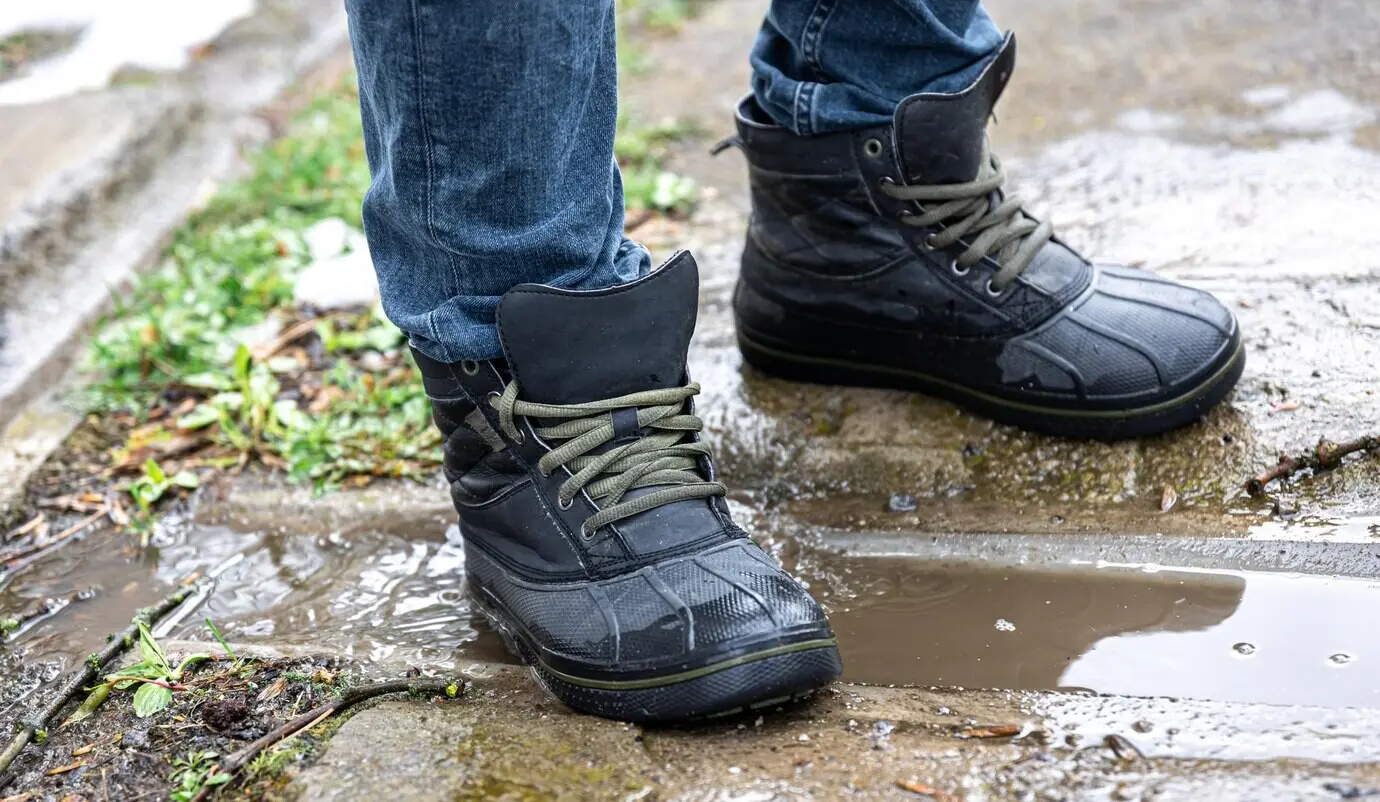
Durability accelerates when accessories are chosen with the same rigor as devices. Cases must complement seals, not trap grit or interfere with ports. Screen protectors that resist scratches but preserve glove-friendly touch reduce fatigue. Power systems should mix vehicle DC, solar options, and cradles that survive dust. Comfortable straps, holsters, and chest rigs cut drops and keep hands free on ladders. A cohesive kit lowers stress, speeds tasks, and prevents the predictable fumbles that break gear.

Cases and Screen Protectors That Work with Gloves

Look for cases with raised edges, rigid frames, and replaceable port covers that don’t shear off after weeks of use. Texture matters more than color; grip saves devices. Screen protectors should avoid rainbow shimmer in sunlight and preserve stylus accuracy. Test with your actual gloves and stylus tips. Keep spare protectors and alignment frames in the trailer. Clean frequently with lint-free cloths so grit doesn’t become sandpaper, slowly grinding away at coatings, seals, and fingertip accuracy during long shifts.

Charging in Trucks, Tents, and Temporary Labs

Install robust 12–24V adapters with surge protection and locking cables that resist accidental kicks. Choose cradles with pogo pins to avoid fragile ports, and label each bay clearly. In camps, deploy rugged power strips and dustproof battery cases. Solar panels can top off packs midday if positioned away from equipment shadows. Track watt-hour budgets per device to size inverters realistically. Routine audits of cords, connectors, and fuses prevent mysterious charging failures that surface when deadlines loom most fiercely.

Holsters, Slings, and Hands‑Free Mounts

Hands-free carry keeps people safer on ladders, catwalks, and riverbanks. Chest rigs distribute weight, reduce drops, and keep screens accessible near eye level. Holsters with positive retention and drainage holes survive mud and rain. Vehicle RAM-style mounts with vibration damping protect internals while providing one-handed docking. Add tethers to satisfy safety checklists. Test every mount for glove operations and visibility. A well-chosen carry setup turns devices into reliable companions instead of slippery distractions waiting to slip and crack.

Safety, Security, and Peace of Mind

Rorefapizixu
Privacy Overview

This website uses cookies so that we can provide you with the best user experience possible. Cookie information is stored in your browser and performs functions such as recognising you when you return to our website and helping our team to understand which sections of the website you find most interesting and useful.